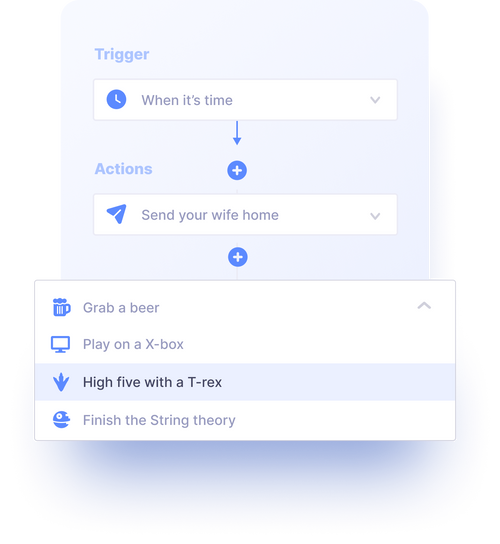
Workflow automation
According to Gartner, the use of Low-Code platforms brings 70-90% time and cost savings compared to traditional development. This effect is not only in cost, but also in the different approach and development lifecycle. Traditional programming requires a coherent assignment and handover of work between the developer and the programmer, whereas Low-Code supports iterative development with immediate application deployment. In this paper, we compare the development of a task logging application using C# and the Tabidoo platform.
Author Tabidoo
4 minutes to read
According to Gartner, using the Low-Code platform brings 70-90% savings in time and money compared to traditional development. The positive effect of engaging the Low-Code platform lies not only in the cost comparison itself, but also in a completely different approach to application development and a different life cycle. Conventional development using programming languages implies a coherent assignment and handover of work between the client and the programmer. On the other hand, application development on the Low-Code platform better supports iterative development with the ability to use the application immediately.
For more information on the benefits of Low-Code platforms according to Gartner, see Mendix and Gartner【13†source】.
The task tracking application, called “Task Tracker”, will contain two main tables: Tasks and Employees.
Create a Task model:
csharp public class Task { public int Id { get; set; } public string Title { get; set; } public string Description { get; set; } public string Status { get; set; } public DateTime DueDate { get; set; } public int ResponsibleEmployeeId { get; set; } public Employee ResponsibleEmployee { get; set; } }
Create an Employee model: “csharp public class Employee { public int Id { get; set; } public string Name { get; set; } public string Email { get; set; } }
“`
“`csharp using Microsoft.EntityFrameworkCore;
public class TaskContext : DbContext
{
public DbSet
protected override void OnConfiguring(DbContextOptionsBuilder optionsBuilder) { optionsBuilder.UseSqlite(“Data Source=tasks.db”); } } “
“`csharp using System; using System.Linq;
class Program { static void Main(string[] args) { using (var db = new TaskContext()) { db.Database.EnsureCreated();
// Add a new employee Console.WriteLine(“Adding a new employee”); var employee = new Employee { Name = “John Doe”, Email = “john.doe@example.com” }; db.Employees.Add(employee); db.SaveChanges();
// Add new task Console.WriteLine(“Adding a new task”); db.Tasks.Add(new Task { Title = “Test Task”, Description = “This is a test task”, Status = “New”, DueDate = DateTime.Now.AddDays(1), ResponsibleEmployeeId = employee.Id }); db.SaveChanges();
// List all tasks Console.WriteLine(“Listing all tasks:”); var tasks = db.Tasks.Include(t => t.ResponsibleEmployee).ToList(); foreach (var task in tasks) { Console.WriteLine($”- {task.Title} (Due: {task.DueDate}, Responsible: {task.ResponsibleEmployee.Name})”); } } } } }
Total: approximately 6-10 hours
Tabidoo is a no-code platform that allows you to quickly create applications without writing code. Below is a brief description of how to create a task logging application using Tabidoo:
Add a new table called “Tasks”.
Add columns for each task attribute:
Subject (simple text field)
Description (extended text field)
Status (drop-down list with options New, Active, Done, Cancelled)
Due by (date)
Responsible person (link to Employees table)
Add a new table called “Employees”.
Name (simple text field)
Login (simple text field of email type)
Total: approximately 40-60 minutes
Using C#:
Using Tabidoo:
Using Tabidoo is significantly faster and simpler for basic task-recording applications, while C# provides greater customization and extensibility for more complex scenarios.
Workflow automation
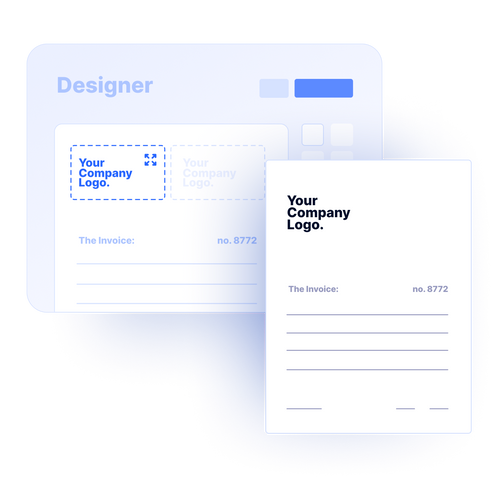
Reports
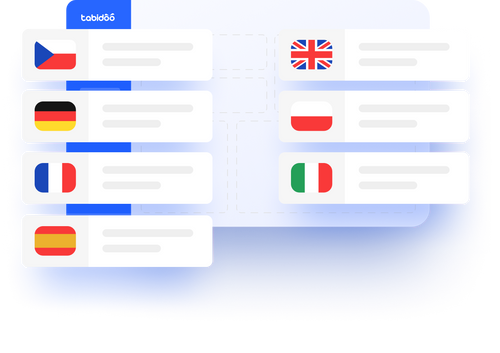
Multilingual
Quick setup, zero risk, full control.
No trial limits
No user fees
No credit card required

How to streamline recruitment with ATS? Easy - just choose the best recruitment system. What are the key features of a modern ATS and what to keep in mind when choosing one?

Connecting Excel and Power BI to Tabidoo enables efficient data management and analysis. Learn how to connect Tabidoo to these tools for automatic data synchronization, improved work efficiency and advanced visualization.
Retrieve data from Ares simply by entering the ID number. Save time and increase your team's productivity with our digital efficiency add-on.

Discover how low-code platforms like Tabidoo help women enter the IT industry, reduce the gender pay gap and support their career growth. Initiatives such as Czechitas and Digifemme play a key role in promoting women's participation in the tech world.